
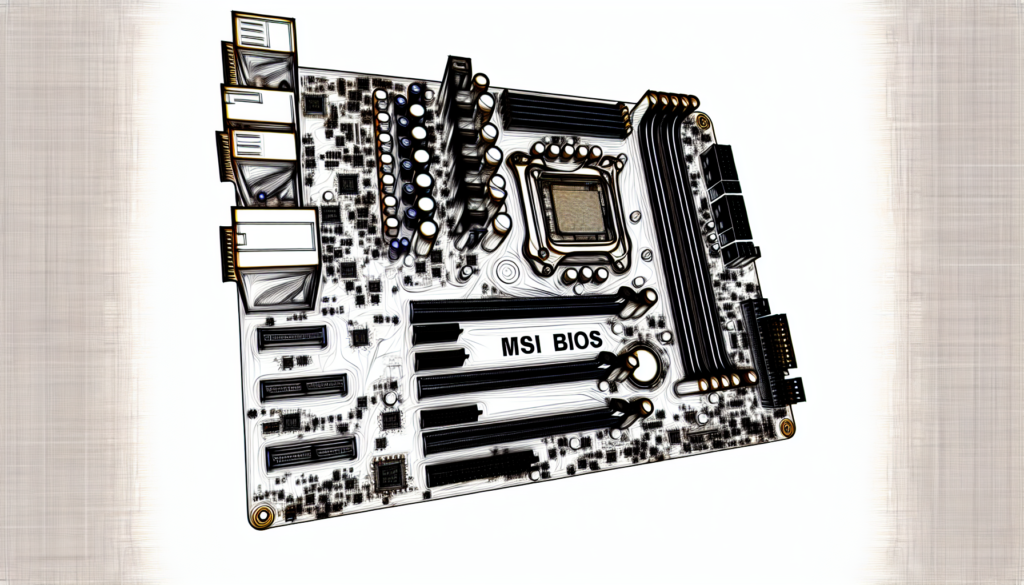
MSI BIOS is the Basic Input/Output System created by Micro-Star International for its motherboards, functioning as essential firmware during a computer’s boot process. This system initializes and tests hardware components to ensure they are operational before the operating system loads. MSI BIOS offers a range of low-level routines that facilitate data transfer between the operating system and various peripheral devices, ensuring efficient communication and functionality.
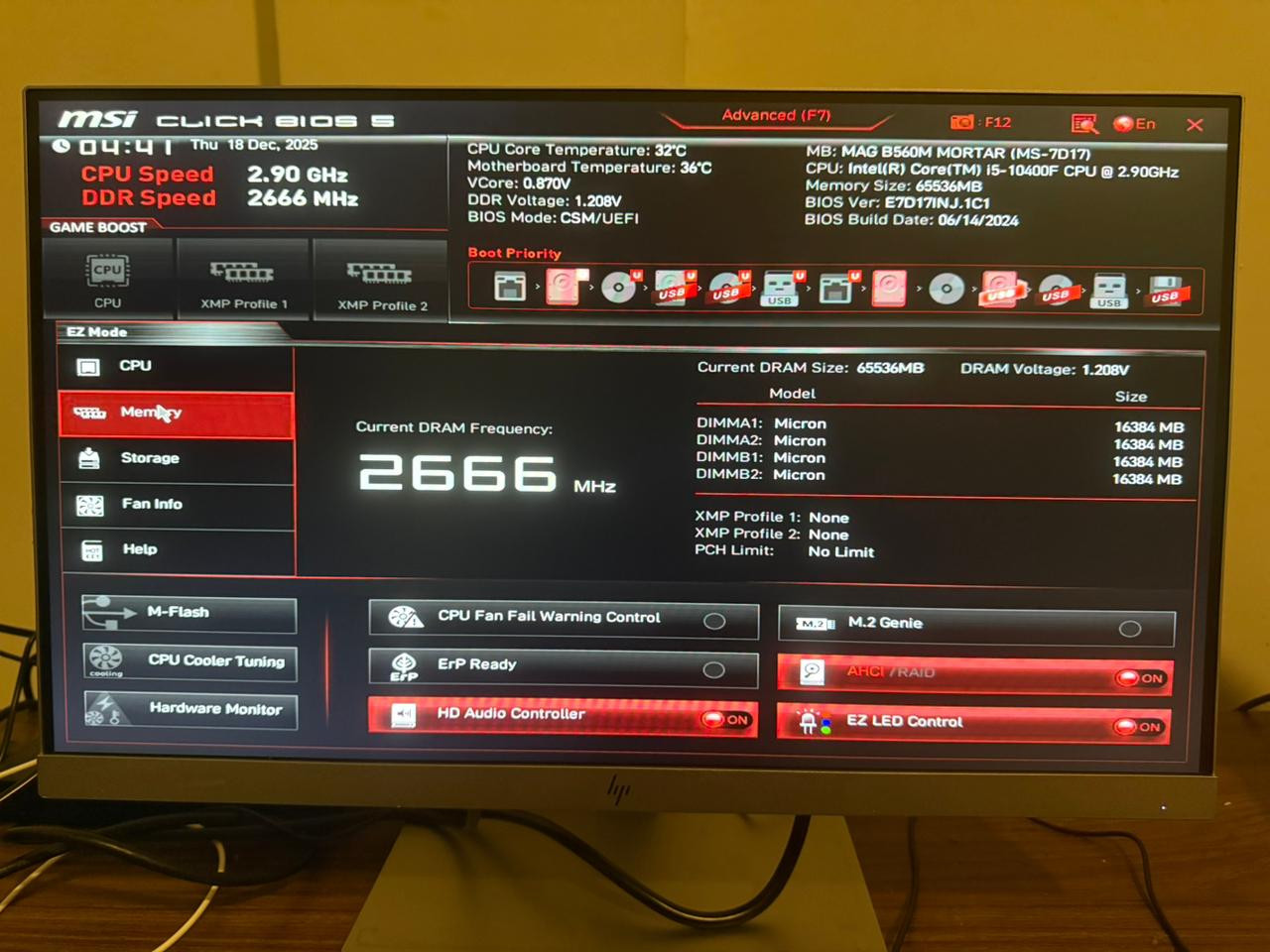
Among its notable features, MSI BIOS provides system configuration settings that allow users to tailor their hardware settings to meet specific performance needs. It includes hardware monitoring capabilities that help users keep track of system health and performance metrics. Additionally, the BIOS offers overclocking options, enabling users to push their hardware beyond standard specifications for enhanced performance.
Furthermore, MSI BIOS supports UEFI (Unified Extensible Firmware Interface), which significantly improves the booting experience by providing faster startup times and better support for larger hard drives. UEFI also enhances system security and compatibility with modern operating systems, making it a crucial component for users looking to optimize their computing experience. Overall, MSI BIOS is designed to empower users with control over their system’s performance and stability.
MSI BIOS refers to the Basic Input/Output System developed by Micro-Star International (MSI) for its motherboards. The BIOS serves as firmware that initializes and tests hardware components during the booting process of a computer. It also provides a set of low-level routines for managing data transfer between the operating system and peripheral devices. MSI BIOS includes features such as system configuration settings, hardware monitoring, and options for overclocking, allowing users to customize their system performance according to their requirements. Additionally, it supports UEFI (Unified Extensible Firmware Interface), which enhances the booting experience and improves system security and compatibility with modern operating systems.













Leave a Comment
Your email address will not be published. Required fields are marked with *